
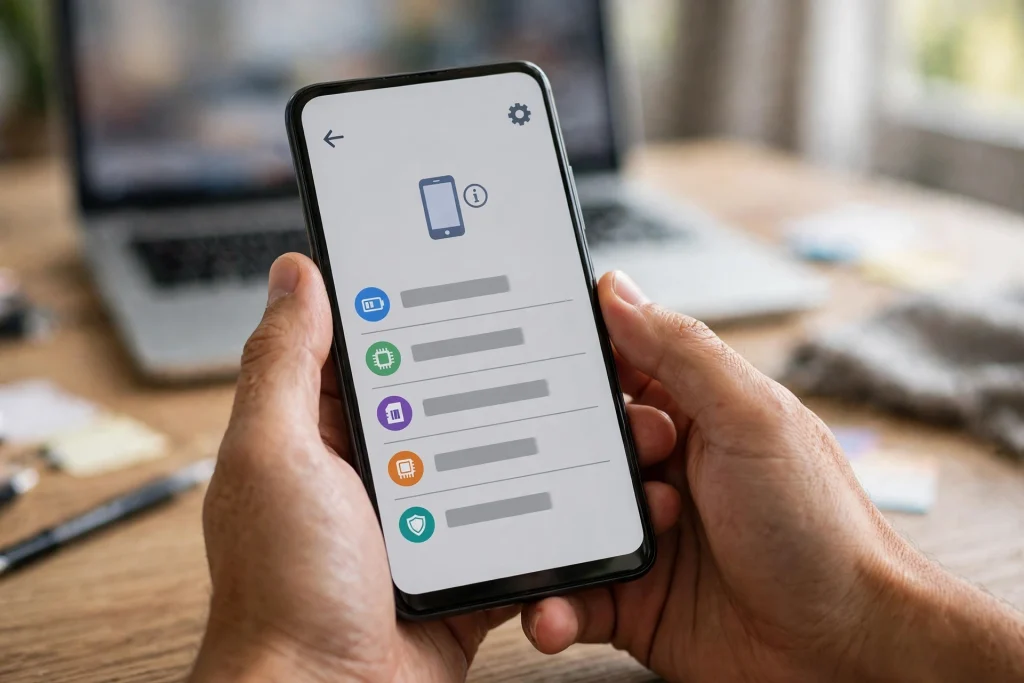
Your Android version number is not the full story of your phone’s security. A phone can run the latest Android version and still be behind on security fixes, because Google ships security fixes on a separate monthly track. The one number that tells you where you stand is your security patch date — a single line buried in your phone’s Settings. This guide shows you exactly where to find it, what the October 2026 patch contains, what your result means, and what to do if your date is old.
This is the follow-up to a check our earlier October article deliberately left for a separate guide. That article covered two new features that arrived through Google Play services — stronger in-call scam protection and Find Hub Left-Behind Reminders. This article is about something different: the October security-patch bulletin itself, with patch level 2026-10-01. The two tracks are unrelated, and confusing them is the most common reason readers misread their update screen.
What the October 2026 Patch Fixes
Google published the October 2026 Android security bulletin on 5 October 2026, and it marks a return to a single patch level after years of two-part releases. There is no second, later level in this bulletin — no “-05” level hiding behind the first one. If your phone shows 2026-10-01 or any later date, it includes everything in this bulletin.
The main bulletin contains 25 fixes in the Framework and System parts of Android: 7 in Framework and 18 in System. Seven of those 25 are rated Critical — 1 in Framework and 6 in System. The most severe issue is a Critical flaw in the System component that could lead to local elevation of privilege, meaning an attacker who already has some local access could gain higher privileges — and it needs no additional execution privileges and no user interaction. The named Critical flaws are CVE-2026-55269, CVE-2026-55280, CVE-2026-58835 and CVE-2026-58880 (System elevation of privilege), CVE-2026-49933 and CVE-2026-55265 (System denial of service), and CVE-2026-58865 (Framework denial of service).
Two pieces of context matter before you worry. First, Google’s bulletin does not flag any October issue as exploited in the wild — so this is a routine monthly patch, not an emergency response to an active attack. Second, the bulletin covers Android 14, 15, 16 (including the 16 QPR2 release) and 17. If your phone runs one of those versions, the bulletin applies to it in principle — but whether your manufacturer has actually delivered it to your exact model is a separate question, answered only by the date on your own screen.
Beyond the 25 main fixes, two extra groups exist and explain why you may see different totals quoted in different places. Three additional fixes arrived through Google Play system updates (Project Mainline) in the Telephony and Wi-Fi modules, for Android 10 and newer. Six additional Pixel-only fixes came in Google’s separate device bulletin, covering elevation of privilege and information disclosure, including three Critical issues in Bluetooth, GDMC and GSA. The honest way to state the October picture is: 25 fixes in the main bulletin, plus 3 via Play system updates and 6 Pixel-only. Any single total you see elsewhere is usually folding those groups together.
Check Your Patch Date in 2 Minutes
You do not need any app, and you do not need to connect your phone to a computer. The check takes about two minutes. Follow the path for your phone type.
On stock Android and Pixel phones
- Open Settings.
- Tap About phone.
- Tap Android version.
- Look for the line labelled Android security update. The date next to it is your patch date.
The same screen also shows your Google Play system update date. That is a different number — it tracks the Mainline modules, not the monthly bulletin — so do not mix the two up when you read your result.
On Samsung Galaxy phones
- Open Settings.
- Tap About phone.
- Tap Software information.
- Look for the line labelled Android security patch level. The date next to it is your patch date.
To check whether a newer update is waiting for you, go to Settings > Software update > Download and install. If an update is available, your phone will offer it there.
If your phone’s menus look different
Settings paths vary by brand and software skin. Some Pixel guides also list the path as Settings > System > About phone, and Xiaomi, Oppo and Vivo phones use different labels again. If neither path above matches your phone, use the fallback that works on almost every Android phone: open Settings, tap the search bar at the top, and type “security”. The patch-date screen will appear in the results. Do not let a different menu layout convince you the check does not exist on your phone — it does, under one label or another.
What Your Result Means
| What your screen shows | What it means |
|---|---|
| 1 October 2026 or any later date | You have the October 2026 bulletin. You are covered for the fixes in this article. |
| 5 October 2026 (on a Pixel) | Also covered. Pixel reporting shows the October Pixel patch level as 5 October, while the bulletin level is 1 October. Both are fine — do not treat “5 October is not 1 October” as a missing patch. |
| A date in September 2026 or earlier | Your phone has not yet received the October bulletin. Move to the next section. |
| A Google Play system update date newer than your security patch date | Normal. The two dates track different things. Judge the bulletin by the security patch date, not the Play system date. |
One more distinction is worth making. A newer Android version does not automatically mean a newer patch date, and an older Android version does not automatically mean an unpatched phone. A phone on Android 15 with an October patch date is ahead of a phone on Android 17 with a July patch date. The date is the fact that matters, not the version number next to it.
If Your Patch Is Old: What to Do Next
An old patch date is a prompt to act, not a reason to panic — especially since Google has not flagged any October issue as exploited in the wild. Work through these steps in order.
Step 1: Check for an update manually. Phones do not always fetch updates the day they are released. On Samsung, use Settings > Software update > Download and install. On Pixel and stock Android, use Settings > System > Software update, or the equivalent on your brand. If an update appears, install it over Wi-Fi with your battery reasonably charged, then re-check your patch date after the restart.
Step 2: Wait out the phased rollout — but only for a while. Manufacturers release updates in phases by region and model, so your friend’s identical-looking phone may receive the patch days or weeks before yours. Samsung in particular rolls out by region and model in phases, and the timing for any specific Galaxy model in Pakistan is not published. A delay of a few weeks after the bulletin is normal. A delay of several months is not, and points to the next step.
Step 3: Check whether your model is still on a monthly schedule. Some phones receive monthly patches; others receive them quarterly or less often. Samsung’s monthly-update tier includes the S23 to S26 families, the Z Fold 5 to Fold 8 and Flip 5 to Flip 8 ranges, and enterprise versions of the A54, A55, A56 and A57 5G. If your model is outside a monthly tier, a patch date one or two months behind the latest bulletin may simply be its normal schedule — but a date many months old still deserves attention.
Step 4: Do not sideload firmware from random websites. If no official update is offered for your phone, downloading firmware files from unofficial sources can install the wrong build for your region, break network features, or worse. The safe escalation path is your manufacturer’s official support channel or service centre, with your model number and current patch date in hand.
Step 5: Keep the rest of your protection current while you wait. Keep Google Play Protect on, install apps only from the Play Store, and keep your Google Play system update current — it delivers the Mainline fixes (Telephony and Wi-Fi in October) even when the monthly bulletin is still on its way. These steps do not replace the bulletin, but they narrow the gap.
Samsung Phones: What the October SMR Package Contains
Samsung published its own October package, labelled “SMR Oct-2026 Release 1”, on 6 October 2026. Samsung’s package is bigger than Google’s bulletin on paper, and the reason is important: Samsung’s count folds in fixes from earlier bulletins that had not previously been applied to Samsung devices. So the correct way to describe it is that Samsung’s package contains 45 Google CVEs — 9 Critical, 33 High and 3 Moderate, with 3 more already fixed in earlier Samsung updates and 1 not applicable to Samsung. Do not read that as “Samsung fixed 45 October flaws”, because that is not what the number means.
Beyond the Google portion, Samsung’s package includes 4 High-severity fixes in Samsung Semiconductor components (CVE-2026-35494, CVE-2026-68993, CVE-2026-69043 and CVE-2026-69044), and 27 Samsung-specific SVE items, of which only 13 are described publicly (6 High, 7 Moderate). The most notable described item is an out-of-bounds write in libsmkvextractor.so (SVE-2026-1758 / CVE-2026-21114, affecting Android 14 to 17, allowing local code execution), alongside a WSM use-after-free. Because sources disagree on any single total for Samsung’s package, this article deliberately uses only these broken-down figures — no headline total.
What about which Galaxy models have actually received it? Samsung’s bulletin gives no per-model list, so no honest article can print one. The rollout evidence so far is reporting, not a list: the Galaxy S25, S25+ and S25 Ultra received it first in South Korea (firmware S93xNKSSDDZJ2, 539 MB, around 19 October 2026); the Galaxy Z Fold 7 and Flip 7 received it globally from day one on 22 October 2026 (builds F966BXXSDCZJ1 and F766BXXSDCZJ1); and the Galaxy S24 build EZJ1 appeared in Korea first around 22 October 2026. If you own one of these models in Pakistan, treat those dates as evidence that the rollout has begun — not as a promise that your phone has it today. The only promise that counts is the date on your own screen.
Pixel 6 and 6 Pro Owners: Your Final Scheduled Update
If you own a Pixel 6 or Pixel 6 Pro, October 2026 carries a special meaning: it is the final scheduled update in the phone’s five-year support window, which began with the October 2021 launch. The October update rolled out on 6 October 2026 with build CP3A.261005.002.A1 for the Pixel 6 and 6 Pro.
“Final scheduled update” is precise wording, and it matters. After support ends, your phone keeps working normally — calls, apps, camera, everything — but it will no longer receive routine monthly security patches or major OS upgrades. At the same time, “final scheduled” is not the same as “never again”: a quiet November 2026 update or an emergency critical-fix update remains possible even after the support window expires. What you should not expect is the regular monthly rhythm continuing.
Two common confusions are worth clearing up. First, the Pixel 6a is not ending now — its support runs to July 2027, so do not apply this section to a 6a. Second, the Pixel 7 and 7 Pro run to October 2027. If your Pixel 6 or 6 Pro is otherwise healthy, you do not need to replace it this week — but you should plan for the fact that its patch date will now freeze, and factor that into your next phone decision rather than discovering it months later.
The patch facts in this article are drawn from Google’s October 2026 Android security bulletin as reported by SecurityWeek, which confirms the 25-fix main bulletin, the single 2026-10-01 patch level, and that no October issue was flagged as exploited in the wild.
Also read: Android’s October 2026 Additions: Stronger In-Call Scam Protection + Find Hub Left-Behind Reminders and Samsung One UI 9 (Android 17) Is Rolling Out: Eligible Galaxy Phones and How to Install
FAQs
My Pixel shows 5 October 2026, not 1 October. Am I missing the patch?
No. The bulletin level is 2026-10-01, but Pixel reporting shows the October Pixel patch level as 5 October 2026. Both dates mean you have the October bulletin. Judge by the rule “1 October or later means covered”, and a Pixel showing 5 October passes that test.
Does an old patch date mean my phone is already hacked?
No. An old patch date means known flaws on your phone are unpatched, which raises risk — it is not evidence that anyone has exploited them. Google has not flagged any October issue as exploited in the wild. Treat an old date as a reason to check for an update and follow the steps above, not as a diagnosis of an infection.
Why does my friend’s Samsung phone have the October patch and mine does not?
Samsung rolls out updates in phases by region and model, and it has published no per-model list for October. Two identical-looking models can receive the same patch weeks apart, and the timing for a specific Galaxy model in Pakistan is not published. Check manually for an update, wait a reasonable few weeks, and only then escalate through official support.
My Pixel 6 just got its final scheduled update. Must I buy a new phone immediately?
Not immediately. Your phone keeps working normally, and a quiet or emergency update after the window is still possible. What ends is the routine monthly patch rhythm and major OS upgrades. Use the time to plan your next phone on your own schedule, and weigh the frozen patch date in that decision — rather than treating the phone as dead the day support ends.