
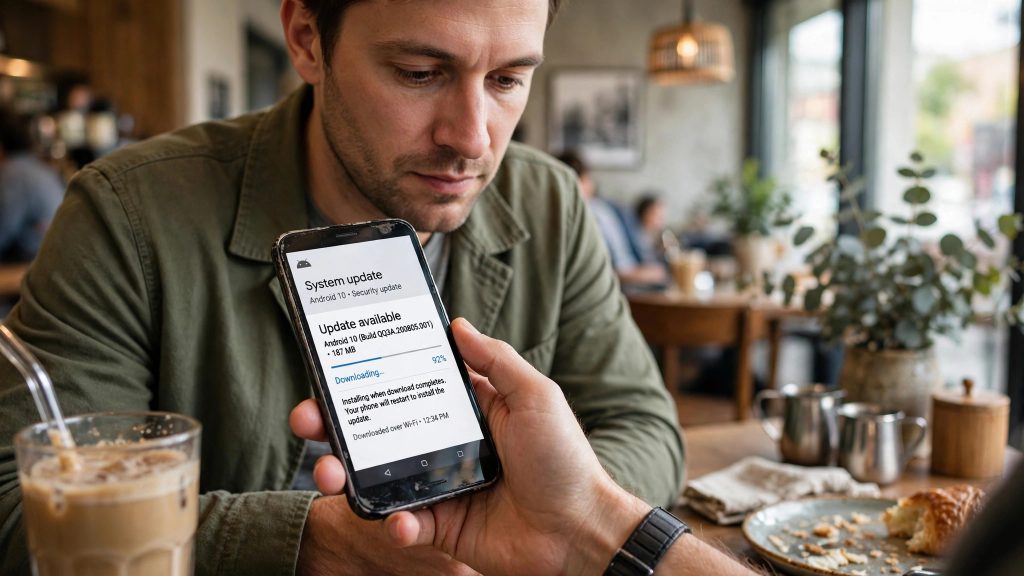
There was no big Android launch this October, no new version number, and no update notification on your phone. Yet your phone changed — possibly three times.
Throughout October 2026, Google shipped security and convenience improvements through Google Play services 26.39 (5 October), 26.40 (12 October) and 26.41 (19 October), together with Play Store versions 53.5–53.7 and WebView 156. Play services is the background component track that updates separately from Android itself, which means these changes reach phones regardless of their Android version.
For Pakistan, that matters more than any flagship launch. Most Android phones here are older budget models that rarely receive OS upgrades. These silent updates are the protection that actually reaches them. Here is what arrived, and how to check your phone has it.
What Changed in October 2026
| Update | Date | What it brought |
|---|---|---|
| Play services 26.39 | 5 October | Find Hub “left-behind” setup flow arrives; NFC tap-to-view tracker tag details |
| Play services 26.41 | 19 October | In-call scam protection expanded to Android 15 and earlier; Find Hub left-behind reminders generally available; automatic tag-to-owner bonding; smoother Fast Pair firmware updates |
| Play Store 53.6 | October | “Ask Play” review summaries |
| Play Store 53.7 | 19 October | Download progress shown as time/size remaining instead of a percentage |
Play services 26.40 (12 October) was the mid-month build in the same October series. The two changes with real everyday value are the scam protection and the Find Hub alerts — here they are in plain terms.
In-Call Scam Protection Now Covers Older Android Versions
You probably know the script. A caller claims to be from your bank, says your account is in danger, and talks you into installing an app or changing a setting while staying on the call. The trick at the centre of many of these scams is the Accessibility permission: once a victim grants it to a malicious app, the scammer can effectively watch and control the phone’s screen — including banking apps.
Android already had a defence against this: it blocks apps from being granted Accessibility permissions during a call with an unknown number. As of Play services 26.41, that protection now covers Android 15 and earlier — not just the newest builds. In plain words, the phones most Pakistanis actually own, including older ones, are now inside this safety net.
The protection does not block your calls or your apps. It simply refuses the one dangerous permission change while a stranger is on the line guiding you — which is exactly when that change should never happen.
How the Scam This Stops Actually Unfolds
It helps to see the shape of the trap, because the October change cuts it at its weakest joint. The call arrives first — a “bank officer”, a “PTA official”, sometimes a “courier company”. There is urgency: your account will be frozen, your SIM will be blocked, a parcel is stuck. The caller then moves you to the real payload: install this app, or open this setting, while I stay on the line and guide you. That guidance is the tell. A genuine bank officer never needs you to change a permission mid-call, because the permission — Accessibility access for a strange app — is what hands over the screen: taps, passwords, one-time codes, everything.
The October protection attacks exactly that moment. With an unknown number on the line, the Accessibility grant simply will not go through, however convincing the voice sounds. The scam does not become impossible — a determined caller can still try to phone back and coach you afterwards — but its smoothest, fastest version is broken, and any pause is a chance to hang up and call your bank on its official number instead.
Find Hub Now Warns You Before You Leave Your Keys Behind
Google’s Find Hub (the feature formerly called Find My Device) locates your phone and compatible tracker tags — the small tags people attach to keys, bags and bikes.
Until now, if you walked away and left a tagged item behind, you usually needed the tracker brand’s own app to get a “you left this behind” warning. That has changed: Find Hub can now warn you natively when you move away from a tagged item. The setup flow arrived in Play services 26.39 (5 October), alongside NFC tap-to-view tag details, and the feature became generally available in 26.41 (19 October), together with automatic tag-to-owner bonding and smoother Fast Pair firmware updates.
If you use a tracker tag on your keys or your child’s school bag, this is worth setting up inside Find Hub itself rather than relying on a separate brand app.
Small Play Store Changes You May Notice
Two minor changes came with the same month’s Play Store updates:
- Play Store 53.7 (19 October) shows app download progress as the time and size remaining, instead of a percentage.
- Play Store 53.6 added “Ask Play” review summaries, giving you a quicker sense of what reviewers are saying about an app.
Neither will change your life — but if your Play Store suddenly looks slightly different, this is why.
Why Play Services Matters More Than Android Versions in Pakistan
Phone coverage in Pakistan talks endlessly about which phones will get the next Android version — and for most phones actually in people’s pockets, the honest answer is “never”. Budget and older phones, which make up the bulk of the market, are typically left behind by OS upgrade programmes within a couple of years of sale.
That is precisely why the Play services track deserves more attention than it gets. Google Play services, the Play Store and WebView (October also brought WebView 156, the component that renders web content inside apps) all update directly from Google, independently of the phone brand’s upgrade plans. A four-year-old Infinix or Samsung that will never see a new Android version still received October’s scam protection and Find Hub improvements, because they travelled on this track. When you read that an Android safety feature “requires the latest version”, check which track it ships on before assuming your phone is excluded — increasingly, the protections that matter most are the silent ones.
How to Check Your Phone Has the October Updates
Play services updates install themselves in the background, so most readers will already have them. To confirm:
- Open Settings and go to Security & Privacy (on some phones, the Google section) and look for Google Play system update. Check for and install any pending update, and confirm your phone is on the October 2026 builds. Menu paths vary by brand skin — Samsung, Xiaomi, Infinix and TECNO all label this screen slightly differently.
- Open the Play Store, tap your profile icon, then Settings → About. If the Play Store version is 53.5 or later, your phone is on the October Play Store line.
- If an update is waiting, connect to Wi-Fi, install it, and restart the phone once.
One honest warning: the rollout is gradual — days to weeks per device. If the new features are not visible on your phone the day you check, nothing is broken. Recheck after a few days.
One Thing This Is Not
Do not confuse this with Google’s separate “verified financial calls” bank feature from May 2026. That feature depends on individual banks joining a programme, bank by bank. The October Play services changes are different: they are system-level protections delivered by Google to the phone itself, and they do not depend on your bank signing up for anything.
Prices and details can change at any time. For the most recent figures and the full original details, see Pandromeda.
Also read: Google Messages Gets an Enhanced Protection Mode Against Scams · Samsung One UI 9 (Android 17): Eligible Phones and How to Install
FAQs
Q: Do I need a new Android version to get these features?
No. That is the point of the October updates. They were delivered through Google Play services (26.39–26.41), the background component that updates independently of your phone’s Android version, plus Play Store 53.5–53.7 and WebView 156. Older phones that never receive OS upgrades are included.
Q: How does the in-call scam protection actually stop scammers?
During a call with an unknown number, Android now blocks apps from being granted Accessibility permissions — the powerful permission scammers talk victims into enabling so they can watch or control the screen. As of 26.41, this covers Android 15 and earlier, so older phones are protected too.
Q: I checked and the new features are not on my phone yet. Is something wrong?
Probably not. Google rolls these updates out gradually, over days to weeks per device. Check your Google Play system update status and your Play Store version (53.5 or later), install anything pending, and look again after a few days.
Q: What do I need to use Find Hub left-behind reminders?
A Find Hub-compatible tracker tag on the item you want to watch over. The left-behind setup flow arrived in Play services 26.39 and became generally available in 26.41, so the warning now comes from Find Hub itself instead of only the tracker brand’s own app. You also get automatic tag-to-owner bonding and NFC tap-to-view tag details.
Pingback: Find a Lost Android Phone: Google Find Hub Complete Guide